
A review request system for service businesses should feel like a normal part of job closeout. Ask every completed-job customer through a simple, consistent process. Give them one easy review link, use plain language, send one follow-up, and record the result. Don’t offer rewards or ask only people you expect to praise you.
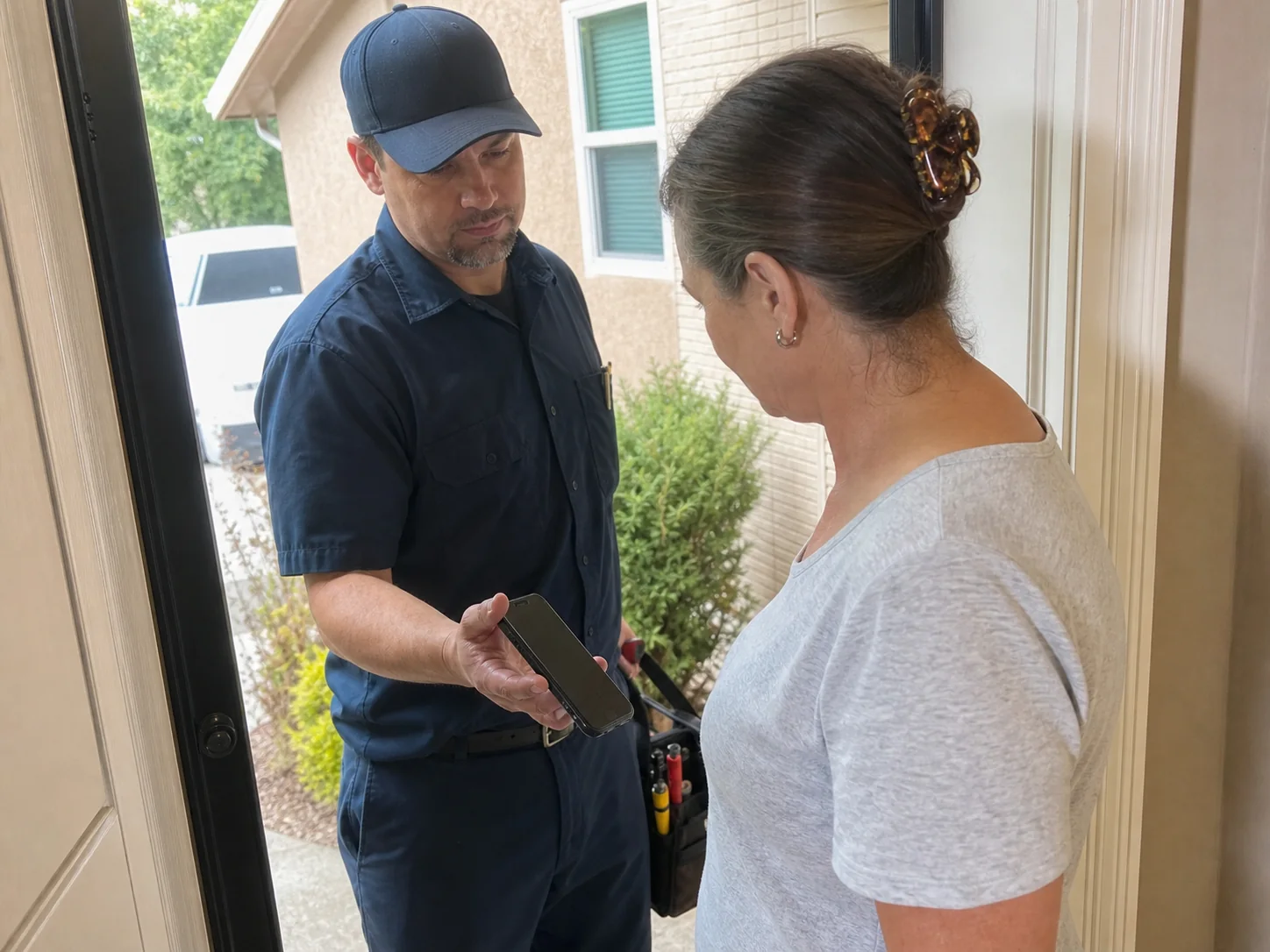
Make the request part of finishing the job
The best time to set up a review request is before the workday begins. Decide what counts as a completed job for your business. It might be when the work is done, the invoice is paid, or the customer confirms the result. Pick one point and use it every time.
This keeps the request tied to real customer care instead of a last-minute sales push. It also gives staff a clear step to follow.
Build a short closeout checklist that fits your service.
- Confirm the work is complete and answer remaining questions.
- Give the customer any receipt, warranty details, care steps, or next-visit information that applies.
- Thank them for choosing your business.
- Send the review request through the channel they already used with you.
- Mark the request in a simple tracker.
Don’t wait weeks if you can avoid it. A customer is more likely to remember the service clearly right after the job. Still, the customer’s experience should set the pace. If a repair needs a return visit or a question is open, finish that work first.
Ask all completed-job customers, not a handpicked group
A fair system starts with a set rule. Send the same basic invitation to every eligible customer after completed work. You can exclude people who did not receive service, have an active billing dispute, or asked you not to contact them. Write those limits down so staff apply them the same way.
Don’t send review links only to customers you think are happy. The Federal Trade Commission review rule questions and answers describes emailing all recent customers as a routine solicitation approach. It also warns that asking only customers believed to be satisfied may create risk under the FTC Act.
This approach is often called review gating when a business tries to sort happy customers toward public reviews and unhappy customers toward private feedback. Skip that split. A public invitation should be open to the full eligible group.
Keep private service recovery separate from the review ask
A customer can have a problem without needing a different review rule. Give every customer a clear way to contact you about concerns. Put a phone number, reply option, or service email in the closeout message. Then handle the concern on its own terms.
Don’t tell an unhappy customer that they must contact you privately instead of posting a review. Don’t ask them to change or remove a review. Focus on listening, checking the job record, and offering a truthful response where a response is appropriate.
Create one direct review destination
Too many choices create friction. Start with the review site that matters most to your local search presence, then send customers straight to the review form. For many local service providers, that will be Google.
Google Business Profile Help explains how to create a review link or QR code. The link or code can be shared in a receipt, thank-you email, chat, email, WhatsApp, or Facebook. Put the link behind a short button or clear text link in your message. Test it on a phone before staff use it.
A QR code works well on a printed invoice, door hanger, leave-behind card, or service folder. It should lead to the same direct destination. Keep the code large enough to scan and add a brief instruction nearby, such as “Share your experience on Google.”
If your business needs reviews on more than one site, don’t send a long list in the first request. Rotate the destination by campaign or ask returning customers through a later message. The first action should stay simple.
Use a short script that sounds like your team
Customers don’t need a long explanation of why reviews matter to search rankings. They need a polite invitation and an easy way to act. Let staff use a consistent sentence at the end of a visit, then send the link afterward.
Try a spoken version like this.
“Thanks for having us out today. We’ll send a short follow-up. If you’d like to share your experience, a review helps other local customers find us.”
Use a message like this for text or email.
“Thanks for choosing [Business Name]. Your job is complete. Would you take a minute to leave an honest review? [Review Link] If you need anything, reply here or call [Phone Number].”
Keep the words “honest review” in the message. They set the right expectation. Don’t ask for a five-star review. Don’t suggest what the customer should write. Don’t give a discount, gift card, contest entry, or free service in exchange for a review. Google prohibits free or discounted goods or services exchanged for reviews, and the FTC says incentives tied to positive or five-star reviews violate its rule.
Choose timing and follow-up that respect the customer
Send the first request when the job is fresh. The exact timing depends on the service. A same-day text may fit a completed home service visit. An email after installation paperwork or a finished project may fit a larger job. Use the point when the customer can fairly judge the work.
Send one reminder only if the customer has not reviewed and has not asked to stop receiving messages. Make the reminder shorter than the first request. A good reminder might say, “A quick reminder from [Business Name]. If you have a moment to leave an honest review, here’s the link. [Review Link]”
Stop after that. Repeated review messages can feel like pressure. Keep any text and email outreach within the permission and contact rules that apply to your business and messaging tools.
Track the process without tracking private opinions
You don’t need complicated software to start. A shared spreadsheet, customer list, or job system can show whether the team completed each step. Track the work, not guesses about how a person feels.
- Customer name or job number
- Job completion date
- Contact method used
- Date the first request was sent
- Date the reminder was sent, if any
- Whether the customer asked not to receive more messages
- Whether a review appeared
Review the tracker each week. Look for missed sends, broken links, duplicate requests, and staff who need a simpler handoff. Don’t create a column that labels customers as likely positive or negative. That label can push the team toward unfair selection.
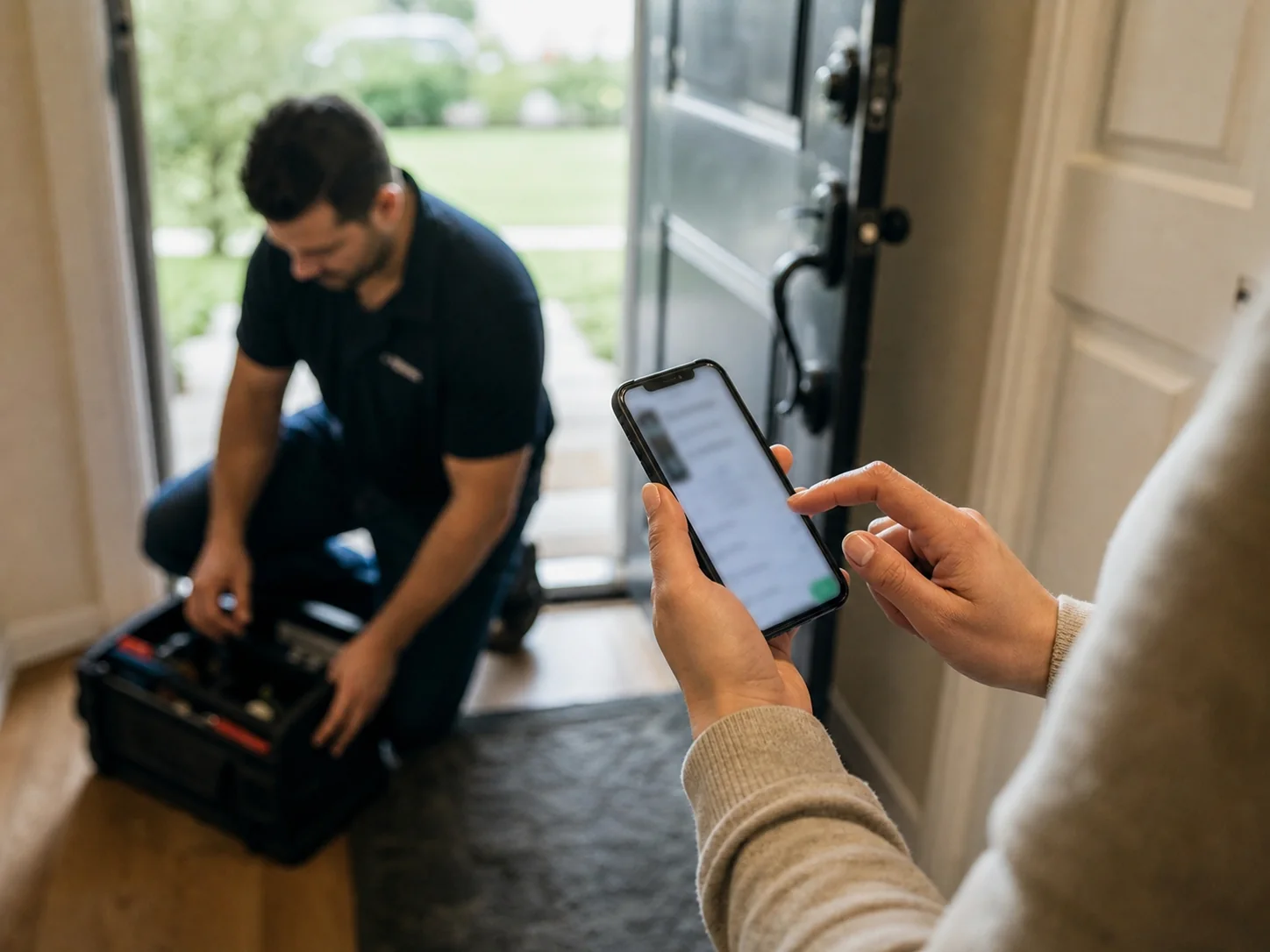
Use reviews to support local visibility, not to promise rankings
Reviews can help customers decide whom to call. They can also support visibility in local Google results. Google Business Profile Help says local results are mainly based on relevance, distance, and prominence. Google also says more reviews, positive ratings, and helpful owner replies can help a business stand out.
No review process can promise a ranking position. Google says businesses can’t request or pay for better local ranking. Keep your Business Profile accurate, use the right service and location details, and let reviews be a real record of customer experience.
As a reason to make asking easy, not as a forecast, BrightLocal reports that 83 percent of consumers it asked in 2026 left a review when asked. That survey result is directional. It can’t predict how many customers will review your business.
Respond after reviews arrive
Assign one person to check new reviews on a set schedule. Their job is to thank customers, protect private details, and flag service issues for the right person. A short response is enough for many positive reviews.
“Thank you for taking the time to share this. We appreciate your business.”
For criticism, don’t argue or share job details in public. Thank the person for the feedback, state that you want to address the concern, and offer a direct contact path. Check the facts before you reply. A calm response helps future readers see that your business pays attention.
Set up the first version this week
- Choose the completed-job point that starts the request.
- Create and test your direct Google review link.
- Write one spoken script and one text or email message.
- Set fair eligibility rules for all completed-job customers.
- Give staff a tracker and a person to own review replies.
- Run the process for a month, then fix the missed handoffs.
Start small and keep it consistent. A simple process that staff can use after every eligible job is more useful than a complicated campaign that fades after a week.
Frequently asked questions
Should we ask for a review before the customer pays?
Usually, wait until the service is complete and the customer has had a fair chance to assess it. If payment happens before the work is done, use the service completion point instead. The request should follow the experience you want the customer to describe.
Can field staff send review links from their own phones?
They can if your process gives them an approved message and a single business link. Use a shared tracking method so the office knows what was sent. Staff should not use personal accounts to post replies or create reviews for the business.
What should we do when a customer gives feedback but does not post a review?
Thank them and record useful service notes in your normal job system. Their private feedback may point to a training need, a confusing invoice, or a follow-up task. Don’t keep asking them to publish it after they have chosen not to.
Does each business location need its own review link?
Yes, use the link for the location that served the customer when your business has separate Google Business Profiles. Check the address, phone number, and profile name before sending. A wrong-location link can send feedback to the wrong branch.
Need help connecting a review workflow to local search marketing in Houston? ASAP Marketing Solution provides local SEO and marketing services for local service providers. Call (832) 737-2752 to discuss your review request process and next steps.