
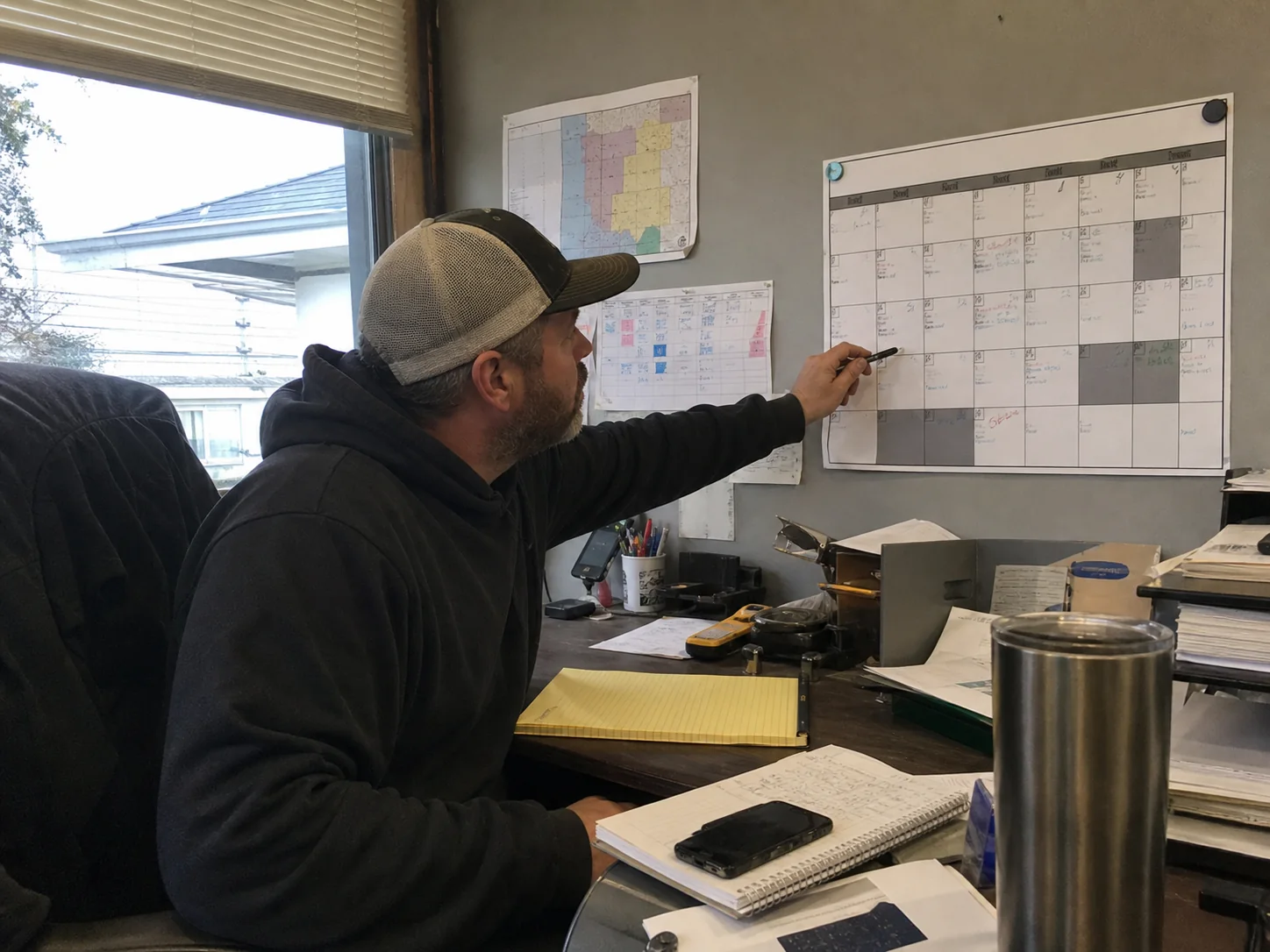
A seasonal marketing calendar for Houston service businesses should map each quarter’s likely demand, your available crew capacity, and the work needed before customers start searching. Build it from your own past calls and booked jobs. Then schedule landing pages, ads, local posts, reminders, and follow-up ahead of the season instead of trying to launch during it.
Start with your own demand record
Houston weather can shape what customers need, but no single calendar fits every trade or service area. An HVAC company, plumber, roofer, cleaner, and pest control company may all have different busy weeks. Your records should set the order of your campaigns.
Pull the last 12 to 24 months of information from your call log, booking system, invoices, and ad account. Keep the review simple. Look for the months when people first contacted you, not only the months when the work was finished.
- Calls and form leads by service type
- Booked jobs and job value by month
- Close rate and cancelled jobs
- Days or weeks when the schedule filled up
- Services that had room for more work
- Search terms and ad results that produced qualified leads
Put this information in a shared calendar or spreadsheet. Add a campaign owner, service, offer if you use one, channel, landing page, tracking goal, and capacity check for every campaign. A capacity check matters. There is little value in paying for leads for a service you can’t schedule.
Use Houston weather as a planning signal
Weather does not predict every service call, yet it gives Houston businesses useful dates to prepare around. The National Weather Service Houston Galveston climate normals list average highs near 95°F in July and August at Houston IAH. The same normals list June as the wettest normal month, with 6.00 inches of rain.
Those patterns can help a service business decide which pages, messages, and ad groups need to be live first. Do not wait for the forecast to begin building a page or checking the call path. A fast weather change can bring searches before a last-minute campaign is ready.
Plan spring work before spring calls arrive
Use January through March to prepare for spring maintenance, cleaning, repairs, outdoor work, and inspection-related services that fit your business. Review the service pages customers will need. Make sure each page says what you do, where you work, how customers can contact you, and what happens after they call.
Set up the campaign in advance
- Choose the service or service group with the strongest spring demand in your records.
- Write one landing page that answers the main customer concern in plain language.
- Update the contact form so it asks only for details your team needs to schedule or qualify the work.
- Prepare two or three useful local posts that answer timely customer questions.
- Check call forwarding, forms, confirmation emails, and mobile page speed before ads begin.
Spring is also a good time to review old site pages. Remove expired offers, wrong service areas, and phone numbers that no longer route correctly. Customers who reach a page through a search result need a clear next step, even if that page was written months ago.
Prepare storm-season messages before the rush
The NOAA National Hurricane Center states that the Atlantic hurricane season runs from June 1 through November 30. It also notes that the usual peak is September 10, with most activity from mid-August through mid-October. For Houston service businesses whose work relates to preparation, repairs, cleanup, safety checks, or property care, that is a reason to prepare pages and contact plans early.
Keep storm messaging accurate and useful. Say what services you can provide, the areas you serve, normal contact options, and any limits your team has set. Don’t promise availability, arrival times, or results that you cannot confirm. If a campaign involves an urgent property problem, make the phone number easy to tap on a mobile screen.
Build a storm-ready campaign folder
Create approved website copy, ad text, social posts, photos, and staff instructions before the season. Keep the material in a shared folder. Your team can then update dates, service availability, or the affected area without starting from a blank page. Have a person assigned to pause ads or change budgets if the schedule becomes full.
Emergency language needs care. If there is a fire, smoke, or a trapped person, tell customers to call 911 first. A service-business ad should never compete with that step.
Use summer to match heat, rain, and crew capacity
Summer can bring heat-related searches and rain-related needs, depending on your trade. Choose a narrow campaign theme rather than sending all services into the same ad group. A customer looking for a specific repair should reach a page about that repair, not a general page with a long service list.
Before raising an ad budget, check staffing, service radius, phone coverage, and lead follow-up. Track which calls become appointments and which services produce work that fits your schedule. This helps you decide whether to expand, narrow, or pause a campaign.
Search ads may cost more than expected in a competitive category. LocaliQ’s home services search ad benchmark reviewed more than 3,200 campaigns from April 2024 through March 2025. Its dataset found higher cost per click for 75% of the businesses reviewed and higher cost per lead for 69%. It is not Houston-specific, but it supports watching lead quality and booked work instead of judging an ad by clicks alone.

Make short ad changes for short events
A brief promotion, holiday scheduling deadline, or limited weather window may call for an ad adjustment. Google says seasonality adjustments in Google Ads can tell Smart Bidding about expected conversion-rate changes. Google describes them as best for short events lasting 1 to 7 days and says they may work less well beyond 14 days.
Use this setting only when you have a real, short change you expect to affect conversions. It is not a substitute for a seasonal plan. Longer shifts need better campaign structure, clear landing pages, budget review, and regular result checks.
Check these numbers each week
- How many leads came from each channel
- How many leads your team reached
- How many became booked jobs
- Which service pages led to calls or forms
- Whether your schedule can take more work next week
Use the findings to make one change at a time where possible. If you change the budget, landing page, keywords, and call handling all at once, it becomes hard to know what helped or hurt.
Use fall for tune-ups and year-end scheduling
September through November is a useful review point. Look at the work that stayed in demand through summer and the jobs customers tend to schedule before holiday plans begin. If your business has a seasonal maintenance service, set the booking message early enough for customers to choose a date.
Fall is also the time to prepare holiday hours and year-end pages. Confirm office closures, scheduling limits, and after-hours instructions. Update those details on the website and business profiles before customers need them. A clear schedule reduces calls from people who expect service when the office is closed.
Protect slow months with follow-up and page improvements
A slower period is not dead time. Use it to contact past customers where you have permission, request reviews through your normal process, refresh service photos, and improve pages that bring traffic but few calls. You can also build content around questions your team receives often.
Keep each message tied to a helpful reason to act. A reminder about maintenance, a scheduling deadline, or a seasonal check is clearer than a vague sales post. Match the message to the service and send customers to the page that lets them take that next step.
Run your calendar in one monthly meeting
Set a short meeting near the end of each month. Review the next 60 to 90 days, then decide what must be published, tested, or approved before demand changes. Assign a name and a due date to every task. Without an owner, a seasonal campaign often becomes a last-minute idea.
| Timing | Decision to make | Work to finish |
|---|---|---|
| Eight weeks ahead | Pick the service and goal | Review past demand and crew capacity |
| Four weeks ahead | Approve the customer message | Finish the landing page, posts, and tracking |
| One week ahead | Confirm launch readiness | Test calls, forms, budgets, and staff handoff |
| During the campaign | Protect lead quality | Review booked jobs, missed calls, and schedule space |
| After the campaign | Save what you learned | Record results and next year’s preparation date |
Questions Houston service businesses ask
How far ahead should a seasonal campaign be planned?
Start the planning eight weeks ahead when a campaign needs a new page, photos, ad setup, and staff approval. A smaller update may take less time. The key date is when customers begin searching, so work backward from that point.
Should every service have its own seasonal campaign?
No. Start with services that have clear demand patterns, enough capacity, and a page that matches the customer’s search. Group closely related services only when the same customer problem and next step fit both.
What should a landing page measure?
Measure completed forms, tracked calls, appointment requests, and booked work when your system can connect it back to the page. Page visits alone do not show whether the campaign brought workable leads.
Who can manage the calendar if the owner is busy?
An office manager, marketing staff member, or outside marketing partner can keep the calendar moving. They need access to the schedule, service priorities, call outcomes, and a person who can approve changes quickly.
ASAP Marketing Solution provides local-service marketing support in Houston, including content marketing, lead generation, search marketing, social media marketing, and web design and development. Call (832) 737-2752 or visit ASAP Marketing Solution to discuss a seasonal campaign calendar that fits your services and schedule.