
The website refresh vs rebuild choice comes down to what still works. Refresh a service business site when its platform, page structure, and path to a call or quote are sound. Rebuild when outdated technology or problems across the site make small fixes a poor fit. Check the evidence before approving either scope, rather than judging the homepage alone.
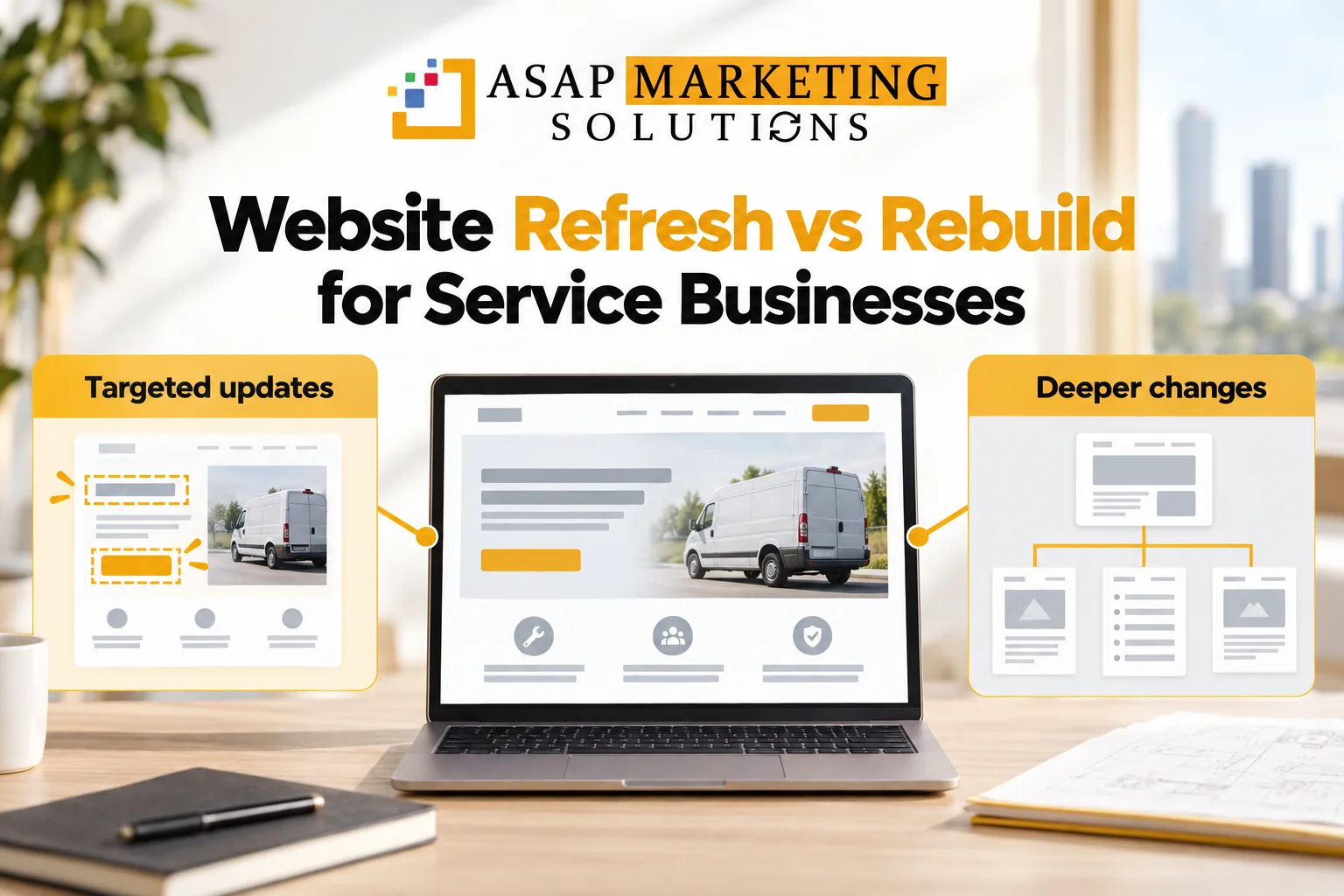
Website refresh vs rebuild starts with the cause
A tired color scheme doesn't show whether the software behind a site still works. A rebuild should solve a deeper problem than appearance. Nielsen Norman Group's redesign guidance points to obsolete technology, tangled page structure, and severe sitewide conversion problems as reasons for major change. For a service business, that last problem means visitors across the site struggle to become callers or quote requests.
Compare the work, not just the new look
These examples show how the work can differ. They aren't automatic rules for choosing a project.
| Problem area | Targeted refresh work | Possible rebuild work |
|---|---|---|
| Service content | Rewrite unclear descriptions on existing pages | Organize services into a new page structure |
| Phone layout | Repair spacing, menus, or buttons in a workable layout | Replace layouts that fail across mobile pages |
| Website software | Make changes the current platform supports | Replace software that blocks needed changes or maintenance |
| Calls and quote requests | Fix a form or improve a call button's placement | Rework how visitors find services and reach the quote step |
Several small problems don't automatically add up to a rebuild. Look for a shared cause. If pages all fail because of the same template, that template deserves attention before you pay for separate repairs on every page. A shared template can sometimes be repaired without rebuilding everything.
Test the phone visit that should lead to a quote
Picture a homeowner comparing a Houston contractor on a phone. The service page needs to make the work offered and actual service area clear, with a usable way to call or request a quote. Test that visit on your current site. A desktop mockup won't tell you whether the phone menu, text, and buttons work well together.

The mobile page matters beyond appearance. Google uses the mobile version of content for indexing and ranking. Keep important service information available on phones rather than hiding it to create a cleaner layout.
Gather evidence before comparing proposals
-
Traffic and search. Review analytics and Search Console for pages that bring visitors and searches that lead to the site. Save a baseline so the project isn't judged only by its new appearance.
-
Calls and forms. Check whatever inquiry records and tracking you already have. Submit a test form and make sure it reaches the right inbox. If calls aren't tracked, note that gap rather than treating missing data as proof of no leads.
-
Page performance. Run important pages through Google's PageSpeed Insights, which checks mobile and desktop performance using lab and real-user data. Low-traffic pages may lack enough real-user data. Treat the report as evidence to investigate, not a rebuild verdict.
-
Software limits. Identify the current website platform and the changes it can support. Separate a setting or repair from a limit that would remain after the design changes.
Test more than the homepage. Include service pages that receive visits and the pages where people call or send requests. Those checks help keep the project tied to how customers use the site.
If pages move, keep the handoff clear
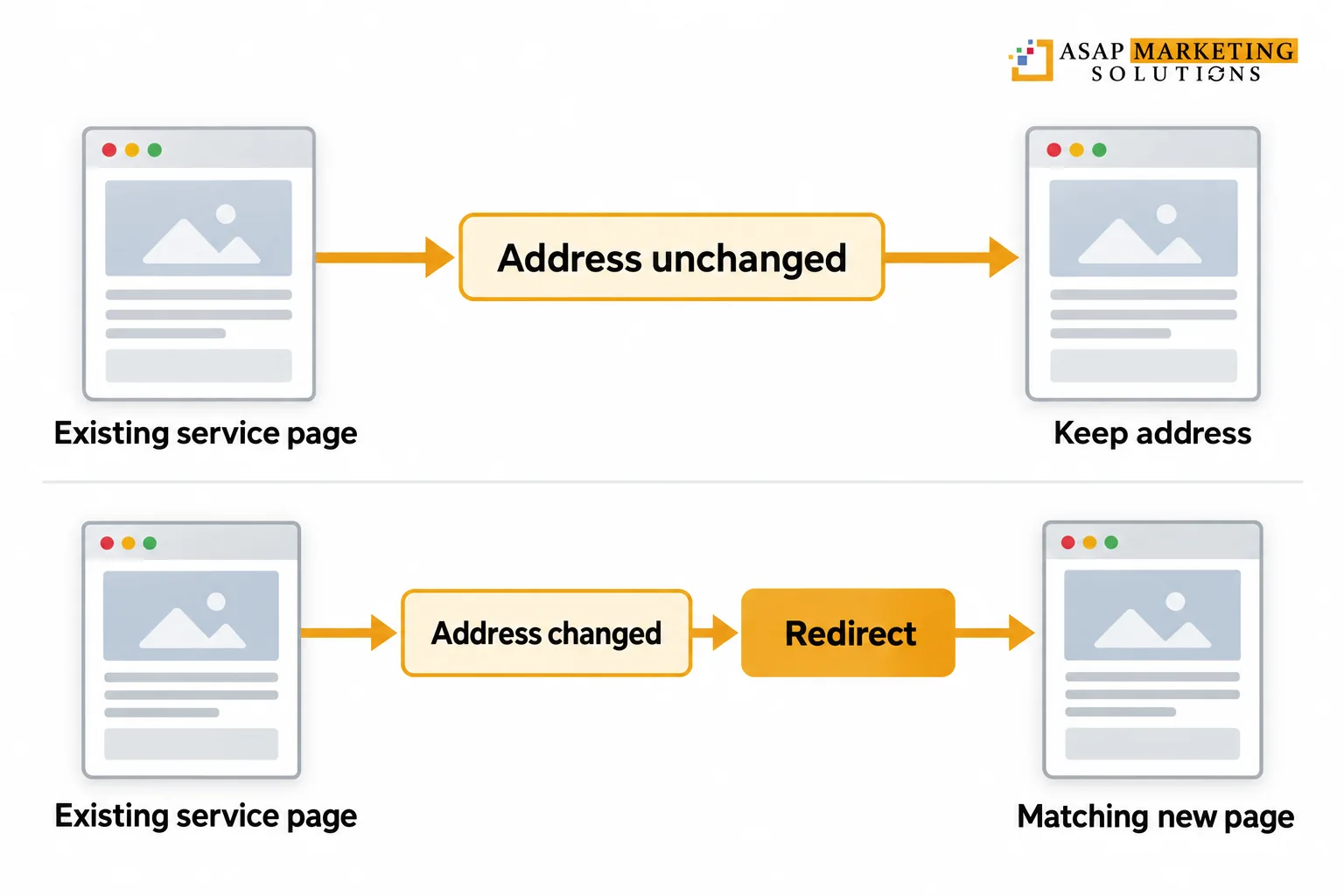
A rebuild can change page addresses, but it doesn't have to. Keep useful addresses when the pages still serve the same purpose. If a page moves, plan a redirect that sends visitors from the old address to the closest matching new page.
Don't send every old service page to the homepage just to clear the list. Someone following an old link should still reach information that matches what they wanted. Handle pages that are being removed individually, based on whether a useful replacement exists.
Include this work in the project scope rather than leaving it for launch day. After launch, test old links and the new call and form paths. A changed design isn't proof that those connections still work.
Choose a scope you can explain
A useful proposal connects each change to a problem found during the review. It should name the pages, layouts, forms, content, and software work included. It should also make clear who's responsible for writing, testing, launch checks, and ongoing updates.
When considering professional web design and development, compare those deliverables rather than project labels. Two proposals called a refresh may include very different work. The same is true of rebuilds.
Budget discussions are clearer when the scope is clear. Separate work needed to make the site usable from optional visual changes. Ask for the reasoning behind a platform change and what keeping the current platform would leave unresolved. Neither approach can promise rankings or leads.
Questions before you approve the project
Talk with ASAP Marketing Solution about web design and development for your local service business. Call (832) 737-2752 to discuss what isn't working and whether targeted changes or a rebuild fit the problem.